Where your files actually are
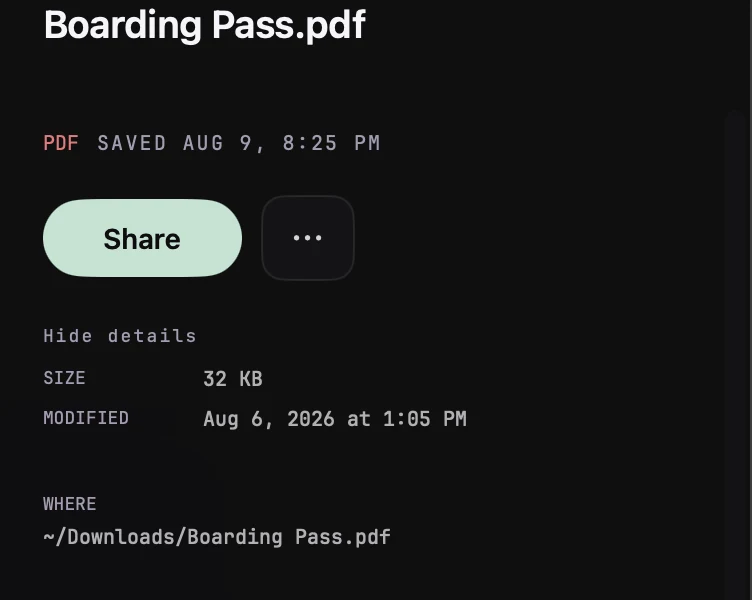
Your files are exactly where you put them: on your Desktop, in Downloads, in Documents, in any folder you asked Kepter to watch. Kepter reads them there. It never copies or uploads them, and it never moves them on its own. The one time a file moves is when you delete it in Kepter, which puts it in the Trash, where you can get it back.
The tiles in your library are windows onto the real files, not copies. When you drag a tile into Mail, you are attaching the real file. When you open one, the real file opens.
Deleting
Move something to the Trash in Kepter and the real file goes to the macOS Trash, where you can take it back out. Kepter never deletes anything by itself.
If a file leaves a watched folder
Move or delete a file in Finder and it leaves your Kepter library too, because the library mirrors your folders. If the file comes back, it shows up again.
Quit Kepter, cancel your subscription, or delete the app entirely: your files do not change in any way. They were never anywhere but your Mac.